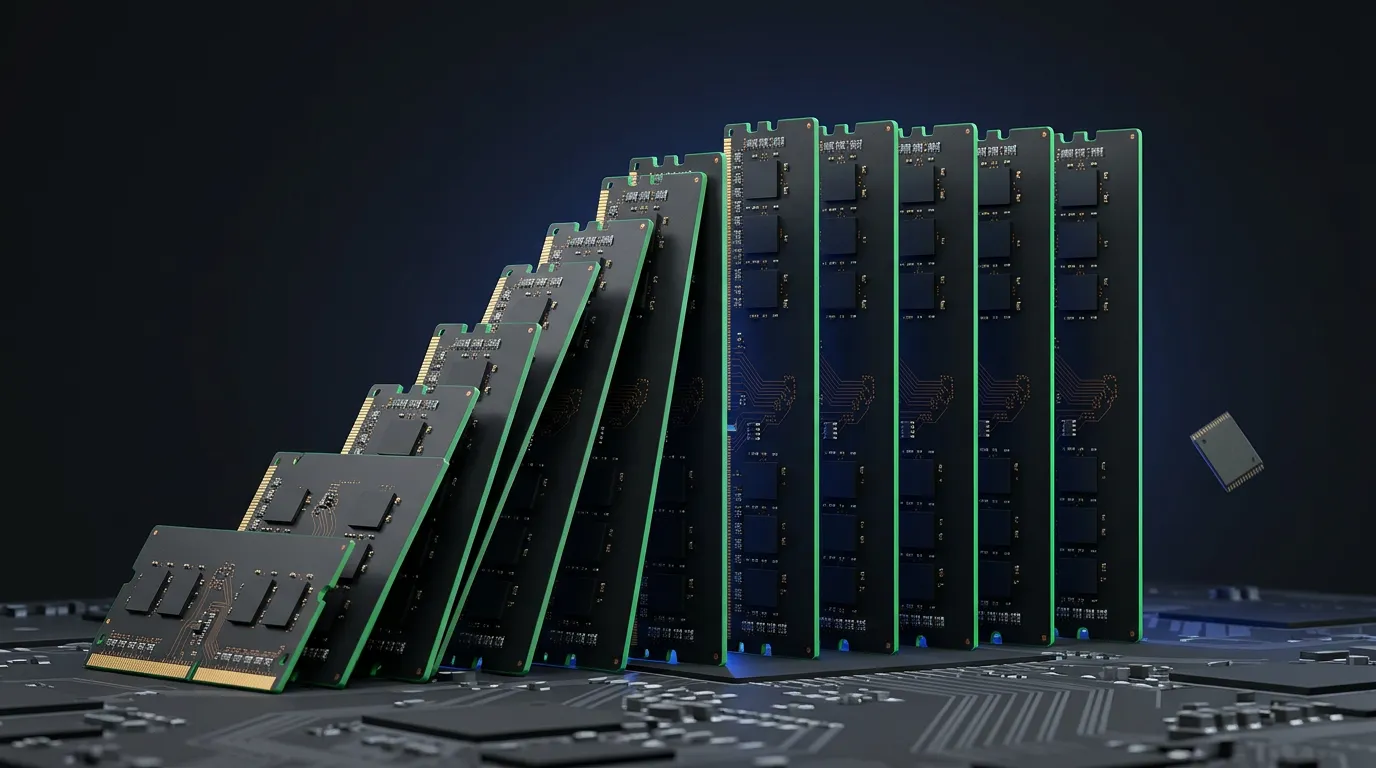
The memory price surge makes a new PC harder to budget for, but it does not make buying immediately the right answer for everyone. A computer needed for work next week is a different purchase from an optional upgrade to a machine that still does its job. Start with a configuration you can use, a total you can afford, and a delivery date that works.
📑Table of Contents
Memory suppliers expect sustained pressure on supply. Their forecasts help explain the market, but they cannot tell you when a particular RAM kit or laptop will become cheaper. Whether you build your own computer or buy a finished system, the useful question is whether today’s offer meets your needs—not whether you can identify the market’s lowest point.
Why the memory price surge does not predict your PC quote
A PC manufacturer buys components; you buy a finished product with a specific configuration and warranty. A rise in the manufacturer’s memory bill is therefore not a percentage you can simply add to every laptop price.
TrendForce’s September 4, 2026 notebook analysis explains that inventories purchased at lower costs can temporarily cushion the effect of rising component prices. Manufacturers also compete for sales and choose how much pressure to absorb in their margins. As cheaper inventories are used up, newer products may reflect more of the higher component costs.
That gives buyers a reason to compare actual offers rather than assume every computer has already repriced. It does not guarantee that a particular model will remain cheap. A notebook offer also includes a processor, display, storage, battery, and support package; RAM capacity alone is not enough to establish value.
For a self-built PC, compare compatible memory products and then return to the complete parts list. Switching to a different platform to save on memory can change the processor and motherboard bill too. The relevant saving is the difference in the total cost of a system that meets your requirements.
How long could the memory price surge last?
The supply outlook is difficult, but the companies are describing different horizons and conditions. Their statements should not be compressed into a single year when prices are supposed to fall.
The following primary materials were checked on November 2, 2026. These are company forecasts, not independently measured future outcomes.
| Source | What it expects | What the horizon means |
|---|---|---|
| SK hynix, Q3 2026 results | Demand exceeding supply through 2030 | A prolonged market imbalance, not a price schedule for retail memory |
| Micron, fiscal Q4 2026 prepared remarks | DRAM and NAND supply constraints in calendar 2027 and 2028 | Continued tightness in those years, not a commitment to balance at the end of 2028 |
| Samsung, Q3 2026 results | AI-driven demand exceeding industry supply by more in 2027 than in 2026 | A stronger imbalance next year, with no stated end date |
Sources: SK hynix, Micron prepared remarks PDF, and Samsung.

SK hynix links the shortage to growing demand, the difficulty of advanced manufacturing processes, and the time required to build new facilities. Micron says new DRAM and NAND fabs take several quarters after initial output before production becomes more meaningful. A factory’s start date is therefore not a dependable date for cheaper memory at a retailer.
Micron’s opening comments refer to fiscal years, while its Market outlook section explicitly discusses calendar 2027 and 2028. That section also says the company does not have line of sight to when supply and demand will return to balance. The distinction matters when a headline presents 2028 as if it were an expiry date for the shortage.
These forecasts make a quick, broad supply recovery a risky assumption for a purchasing plan. They do not establish that every product must keep getting more expensive. Retail offers can change while industry supply remains tight, and none of these statements proves that buying today will cost less than buying later.
Choose the workload before choosing the RAM
List the applications and games the computer must run, then check their recommended requirements. Include the programs you expect to use together. A machine intended for browsing and documents is not the same purchase as one intended for large editing projects, even if the shop labels both as productivity PCs.
RAM holds data used while applications are running. DRAM is the memory technology used for that role in PCs. SSD capacity concerns stored files and applications, using NAND flash. More storage does not substitute for the RAM required by your workload, so record these capacities separately when comparing specifications.
Kingston’s guide to DDR4 and DDR5 notes that the practical benefit of a memory generation depends on the workload and the rest of the system. For everyday browsing and office applications, the difference is less noticeable than it can be in demanding workloads. That is a reason to avoid paying for a headline specification without checking what you need it to do.
If you already own a computer, identify the limitation before ordering parts. Check memory use during the tasks that cause trouble and compare your system with the software’s requirements. A slow PC can have a bottleneck elsewhere; adding RAM is not a universal fix. Conversely, an affordable, compatible memory upgrade may be worth comparing with a complete replacement if insufficient capacity is the actual problem.
Check the upgrade path before paying
Building or upgrading a desktop
Start with the exact motherboard and processor, not the cheapest memory listing. Kingston explains that DDR4 and DDR5 differ in electrical requirements and physical keying and are not interchangeable. Moving between generations requires a compatible platform, not just a different set of modules.
Check the motherboard or PC manufacturer’s specifications for supported memory types, capacity, and module arrangements. A memory compatibility finder can help narrow the options, but keep the exact system model in the comparison. For an existing computer, establish what can be retained before pricing a replacement platform.
Once compatibility and required capacity are settled, decide whether a faster memory option is worth the extra cost for your workload. Do not let a fear of future price increases turn an optional specification into a requirement. Unused capacity still costs money today.
Buying a laptop or prebuilt PC
Read the specification for the configuration actually in your basket. A product family name may cover several memory and storage options. Confirm the processor, RAM, SSD, display where relevant, warranty, delivery date, and final price rather than comparing starting prices.
If your plan is to buy less memory now and add more later, confirm that the exact model supports the upgrade. Ask about accessible slots, maximum capacity, installation costs, and warranty conditions. Some systems are not designed for user memory upgrades, so a future upgrade should not be assumed simply because another model allows one.
Compare the cost of the intended upgrade with ordering enough memory at purchase. For a machine you cannot expand, saving money by choosing insufficient capacity may create a more expensive replacement decision later. If the complete configuration is unaffordable, reconsider optional features rather than quietly abandoning the requirements that made the computer useful.
My take
Better algorithms are making it possible to run AI with far less memory. My impression, though, is that efficiency gains are not keeping up with the growth in users and usage. I expect demand to reach a ceiling eventually, but I do not think that point is close yet.
My advice is to buy now if you can afford it. That is my personal judgment about demand, not a verified forecast that prices will keep rising. Reusing RAM you already own in a compatible system is another way to save money.
Graphics cards do not offer the same option of carrying over just the memory: the onboard memory on a typical card cannot be removed and reused like ordinary PC RAM modules. If a GPU replacement is too expensive, the choice may come down to keeping your current PC for a while or waiting a few years, depending on your budget.
FAQ: choosing RAM without overspending
Set a buying rule, not a predicted bottom
Keep a dated quote with the exact model or parts list, memory and storage capacities, total payable price, warranty, and delivery estimate. Use that same specification for the next comparison. Otherwise, a cheaper price may merely reflect less memory or a different processor.
Use your deadline and budget to decide what happens next:
- You need a working computer soon and a suitable option fits the budget: compare the available offers and confirm delivery. Waiting for an unverified price-drop date may not be worth losing access to the computer you need.
- You need it soon but the quote is too high: reduce optional features, price a compatible upgrade to your current machine, or compare alternative systems that still meet the workload requirements.
- Your current computer is adequate: waiting is a reasonable option. Set a spending limit and a date to check comparable offers again instead of buying solely because supply forecasts sound alarming.
A forecast is useful when it helps you recognize uncertainty. It becomes less useful when it replaces your own requirements. Buy because a suitable system meets your budget and deadline; wait because you can afford to wait—not because a shortage headline appears to promise either a permanent rise or a particular day of relief.

Author
krona23
Over 20 years in the IT industry, serving as Division Head and CTO at multiple companies running large-scale web services in Japan. Experienced across Windows, iOS, Android, and web development. Currently focused on AI-native transformation. At DevGENT, sharing practical guides on AI code editors, automation tools, and LLMs in three languages.


🔥 Most Popular
- Claude Desktop Won't Install? Windows & Mac Fixes That Worked (2026)
- Zed Language Support & IME Issues: CJK Input, i18n Status — Complete Guide (2026)
- Claude Code Skill: Hands-On SKILL.md, Auto-Invoke & Teams (2026)
- Claude Code CLI vs Web vs Desktop: A Daily User's Guide (2026)
- Install OpenClaw: Node 24 or 26 (November 2026)



Leave a Reply